Calendar
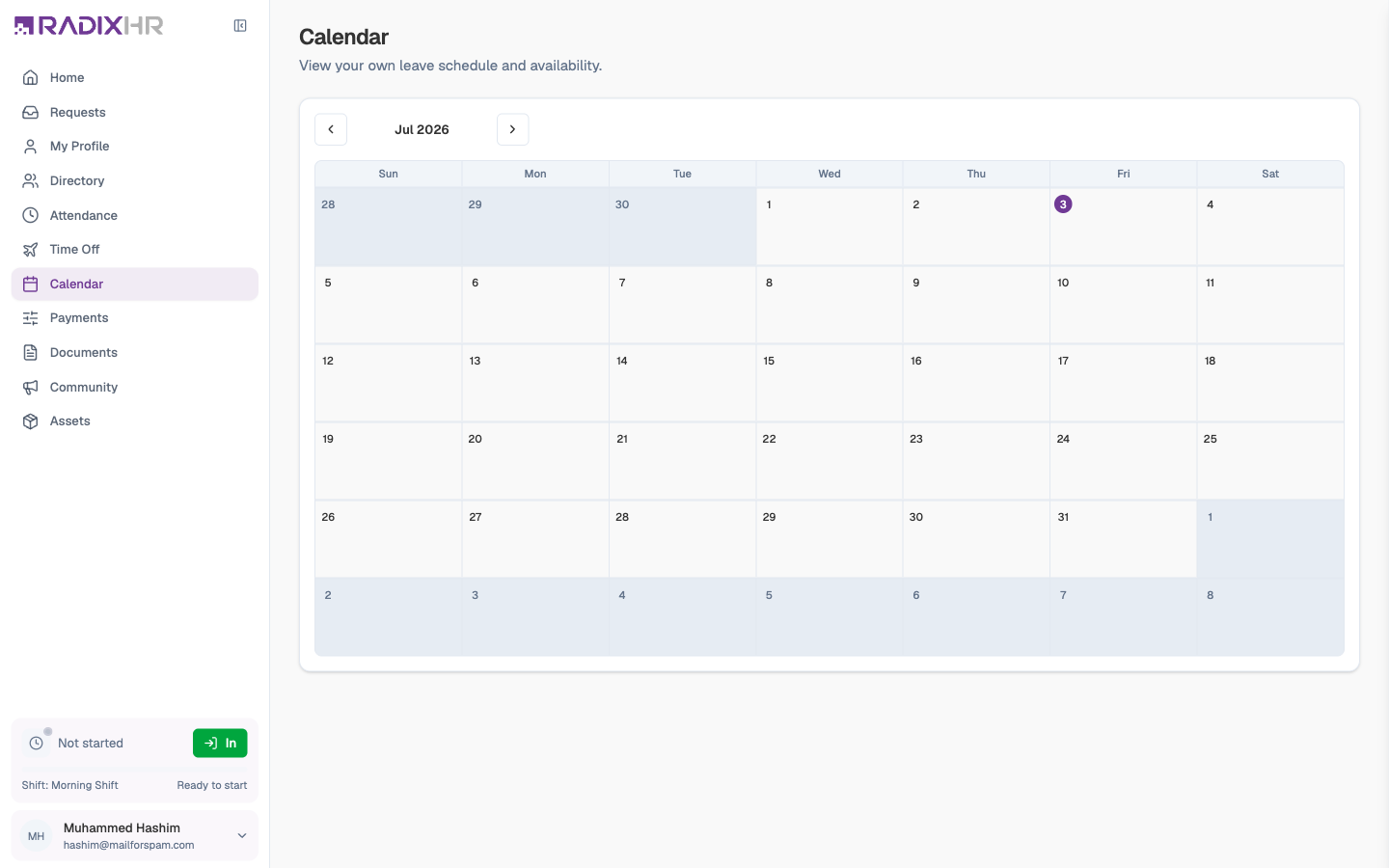
Team Calendar gives you a month-at-a-glance view of your own schedule — the leave you’ve booked, the leave still waiting for approval, and public holidays. It’s the quickest way to see how your time off lines up across the month and to plan the next request.
What you can do here:
- See your approved and pending leave laid out on a monthly calendar
- Spot public holidays and non-working days
- Move between months to plan time off weeks or months ahead
Reading the Calendar
The calendar shows one month at a time in a familiar grid, Sunday through Saturday. Today is marked with a filled purple circle so you can always find where you are. Days that belong to the previous or next month are shaded grey.
| What you see | What it means |
|---|---|
| Solid coloured bar with your name | Approved leave. The colour matches the leave type, so annual and sick leave are easy to tell apart. |
| Faded grey bar | Leave that’s still pending approval — treat it as tentative until it turns solid |
| Green bar with a holiday name | A public or company holiday. Half-day holidays are marked ½ day. |
| +N more | More entries than fit in the cell — click it to see the rest |
Hover over any bar for a tooltip with the leave type and its status.
Moving Between Months
Use the ‹ and › buttons either side of the month name (for example September 2026) to step backwards or forwards. The calendar loads the leave and holidays for whichever month is on screen.
The Calendar is a read-only view of your own schedule — clicking a day doesn’t book anything. To request time off, use Time Off & Leave; once approved, it appears here automatically. If you’re a manager or HR user, the same page shows the whole team’s leave with a department filter — see the main Calendar guide.
Planning a holiday? Check the month here first for public holidays — booking around them stretches your leave further.